Timed from their access date
Access at minute zero, orientation at 24 hours, the first-win nudge on day two or three, momentum at day seven. Per student, against their own enrolment — not a Friday broadcast to everybody.

Seven complete emails for the week after somebody buys your course — access, orientation, the first-win nudge, the branch that fires when nothing has been completed, the week-one momentum email, and the two sends a cohort adds. Each one carries its fires-on condition and what changes between self-paced and cohort delivery. Works in any email tool.
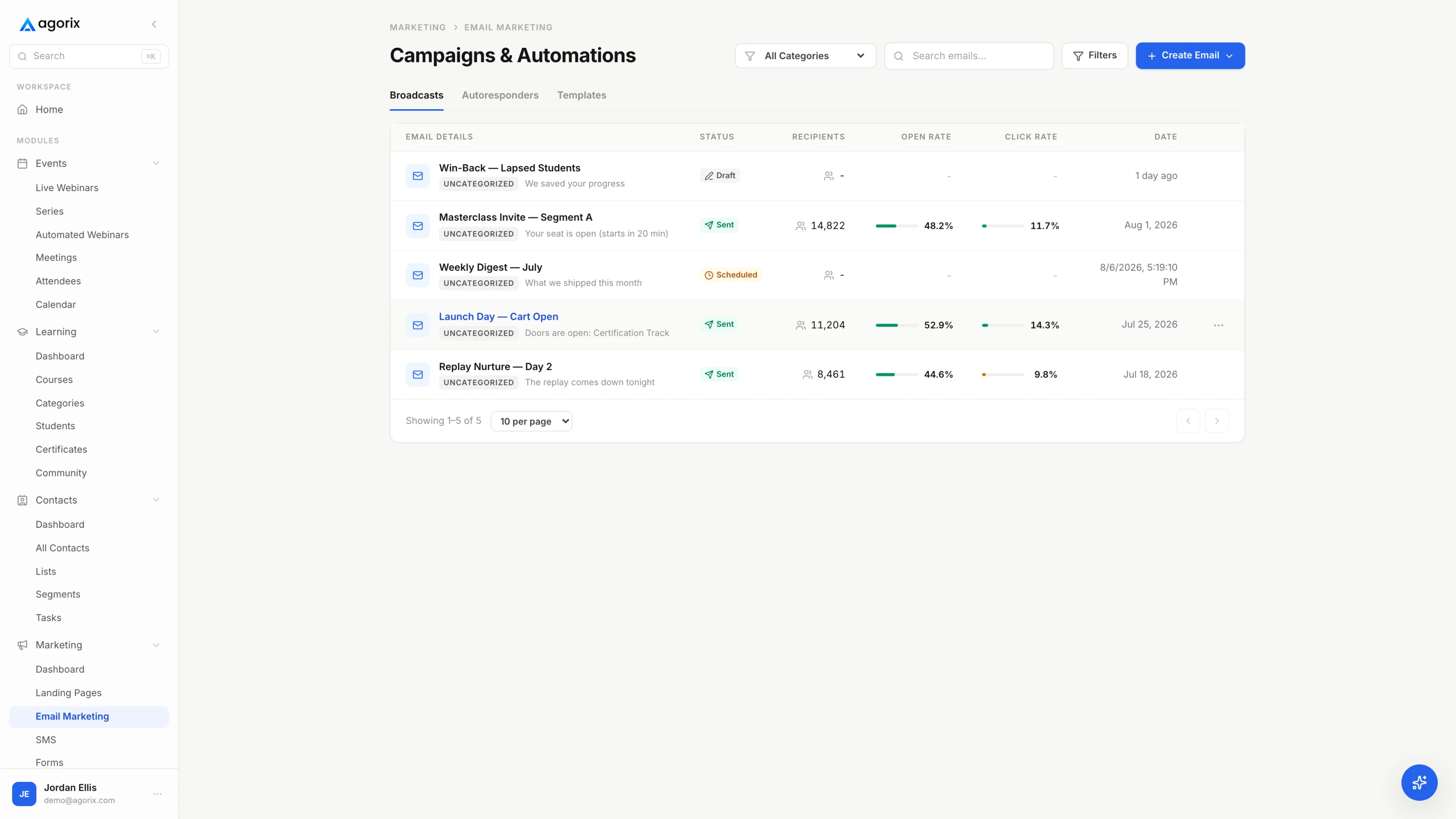
A student onboarding sequence goes wrong in the same place almost every time: it gets built as one list of dated sends. It is two mechanisms, and only one of them runs on dates.
Access at minute zero, orientation at 24 hours, the first-win nudge on day two or three, momentum at day seven. Per student, against their own enrolment — not a Friday broadcast to everybody.
The branch is a condition evaluated at a point in time, not a delay. No completed unit by the end of day four, and it sends. Anything completed, and it stops — including after it has already been queued.
Everything in [brackets] is yours to replace, including the parts that read like instructions — those are there because a template that writes the specifics for you produces seven emails that say nothing. Swap them for your tool’s merge fields where a merge field exists; the field names differ by platform, so these are written in plain brackets rather than in any one product’s syntax.
The copy button gives you the subject, the alternate subject, the fires-on condition and the body as plain text. Paste it into whatever you send with, then read it out loud. If a line would be odd to say to one student, it is odd to send to four hundred — and in week one the whole sequence is trying to sound like one person who noticed.
Timings are a working default to adjust against your own course, not a benchmark to hit. If your units are long or your students are busy, everything below moves later together — the shape matters more than the days.
| When | |
|---|---|
| T+0 | The access emailOne job: get them in. Transactional, immediate, nothing else attached. |
| T+24h | The orientation emailHow the course works, and the name of the first thing they will finish. |
| Day 2 → 3 | The first-win emailOne named unit, an honest time estimate, a direct link. |
| Day 4 | The stuck-student branchFires on no completed unit. Suppresses on any completion. |
| Day 7 | The momentum emailProgress reflected back as a capability, not as a percentage. |
| T−3d | Cohort: before day oneCohort only. Dates into the calendar, one small piece of prep. |
| T−1d / T−1h | Cohort: first call reminderCohort only. The agenda, then two lines and the link. |
The temptation on the day of a purchase is to send everything at once: the link, the bonuses, the community, the roadmap, the thank-you note. Split it. The access email gets somebody in; the orientation email tells them what to do once they are.
Splitting them costs a day and buys two things. The access email becomes short enough that the only sensible action is the one you want, and the orientation email gets to arrive on day two — which is exactly when a new student, having looked around the portal once, is deciding what to actually do.
[First name] —

You are in. Here is your way into [Course name]:

[Portal link]

Sign in with [the email address this was sent to]. If it asks you to
set a password, that is expected and takes about a minute.

That is everything for now. Tomorrow you will get one more email
explaining how the course works and what to do first.

[Your name]

Order [order number] · [Amount] · [Receipt link]
Trouble getting in? Reply to this email and a person will answer.
One job: get them through the door while the decision to buy is still warm. Every additional element — the bonus, the community invitation, the newsletter confirmation, the curriculum tour — competes with the single most important click in the entire relationship. It also has to be fast, which is a plumbing question rather than a copy one: the gap between paying and getting in is dead time that nothing later in the sequence recovers.
[First name] —

Yesterday you got the link. Here is how [Course name] actually works.

How it is built:  [Number] units. Each one takes about [minutes]
                  minutes and ends with something finished.
Where to ask:     [Where questions go, and who answers them.]
How fast:         [The pace you expect — for example, "two units a
                  week finishes it in six." Then: slower is fine.]
Live sessions:    [Next date, time and timezone. Cut this block if
                  there are none.]

Do this first: [name the first unit, and what they will have at the end
of it]. It takes about [minutes] minutes, and you need nothing except
[the one thing, or "nothing at all"].

[Direct link to the first unit — not to the course home page]

[Your name]

P.S. If something is confusing, reply here and tell me which bit. I
read these, and the confusing parts usually turn out to be my fault.This is the email that replaces the welcome video nobody watches. It answers the four questions a new student is quietly holding — how big is this, how long is a sitting, who helps me, and what do I do right now — and then removes the last one entirely by naming the first unit and linking straight into it. The link has to skip the course home page: a table of contents is a decision, and a decision is where a lot of first sessions end.
Buying a course is a decision made once and then quietly re-made every day of the first week. These three exist to make the second decision easy: name one small thing, notice when nothing has happened, and show the student what they have got.
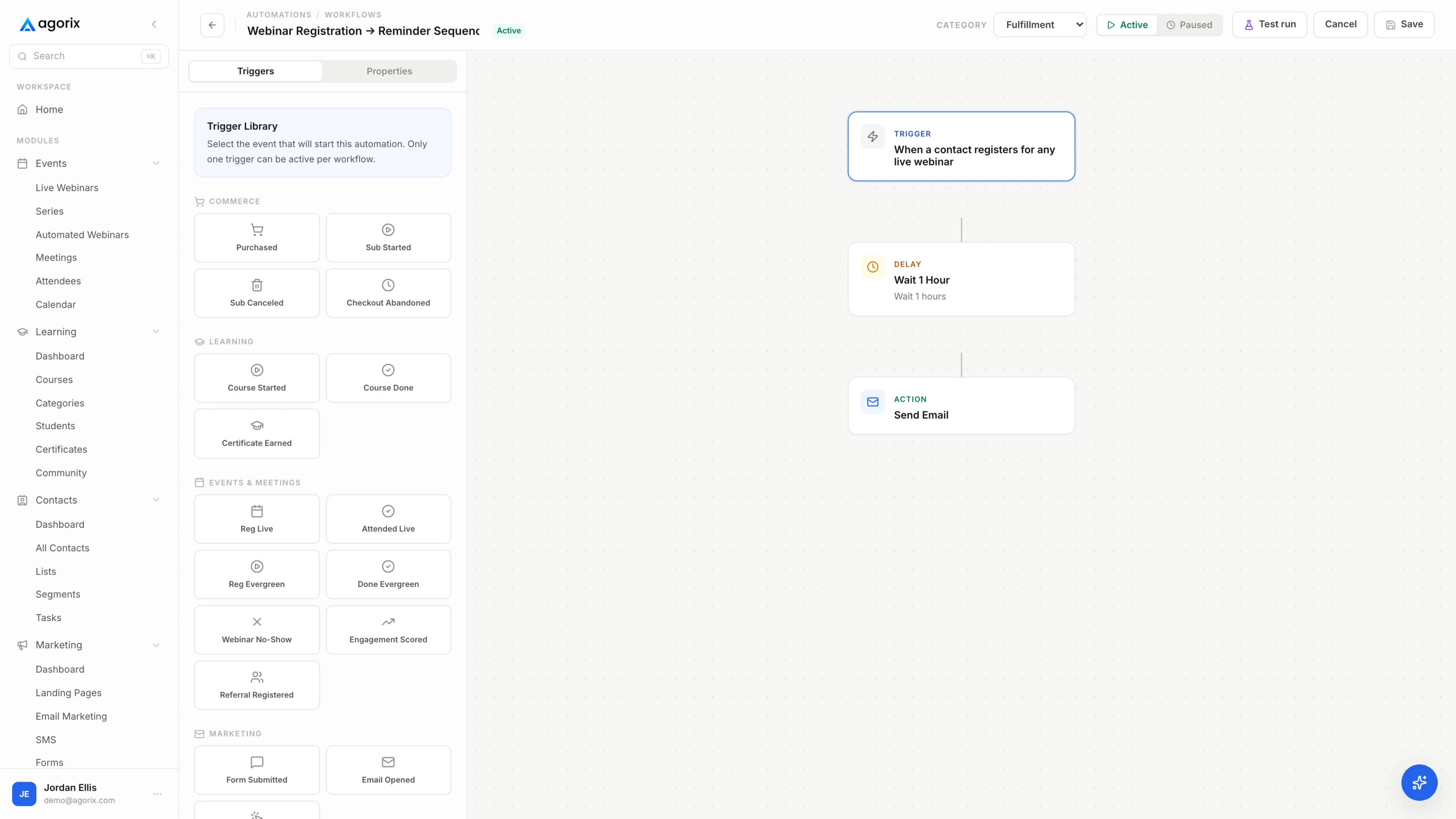
The middle one is different in kind from everything else in the pack. It is not scheduled — it is a branch, evaluated against what the student has completed, and it has to stop the instant they complete something. Built as a timed send it becomes the email that tells a student who finished two units yesterday that they have not started, which is worse than sending nothing at all.
[First name] —

The fastest useful thing in [Course name] is [name the unit or the
exercise]. It takes about [minutes] minutes, and at the end you will
have [the artefact — the filled-in worksheet, the decision written
down, the draft, the number].

[One or two sentences on why that particular thing is worth doing
first: what it makes obvious, or what it stops you guessing about.]

[Direct link to that unit]

If you have already done it, [the next smallest thing] is the one
after — same idea, about [minutes] minutes.

[Your name]
Momentum in week one comes from finishing something, not from intending to. This email removes the decision about where to start, which is the actual obstacle more often than reluctance is — opening a course presents a list, and a list is work. Name one thing, size it honestly, link directly to it. An estimate that turns out to be accurate also buys credibility for every estimate you make afterwards.
[First name] —

You have not got into [Course name] yet. After four days that usually
means one of three things.

[If you have the data, replace this line: "You stopped partway through
[unit name]" — and rewrite the list below around that unit.]

— No time yet. [The smallest unit] takes [minutes] minutes. Start
  there rather than at the beginning: [direct link].
— Something did not work. Reply and tell me what you saw. Access
  problems are ours to fix, not yours.
— It is not what you expected. Also fine, and worth saying out loud.
  Reply and tell me what you were hoping for. [Your refund, pause or
  transfer policy here, in one plain sentence, if you have one.]

No pressure either way. I would rather you finish one useful unit than
carry a vague sense of guilt about twelve.

[Your name]
The behavioural branch, and the one email in the pack that must never go out on a schedule. It exists because a student who has completed nothing needs a different message from one who is moving slowly, and sending the encouraging version to somebody who finished two units yesterday costs more credibility than the send is worth. Name the place, offer the exit, and refuse the guilt — a message that makes returning feel like admitting something produces fewer returns, not more.
[First name] —

One week in. Here is what you have finished:

[List the completed units by name, or the merge field that does it. If
you cannot pull this automatically, "you are [n] units in" is still
better than nothing.]

Which means you can now [the capability those units add up to, written
as something the student can do — not as a count of modules].

Next up: [the next unit], about [minutes] minutes. It gets you to
[the next capability].

[Direct link]

[If there is a live session: the next date, time and timezone, and one
line on what it is for.]

Anything unclear so far, reply and tell me which bit.

[Your name]
The end of week one is when a course either has a place in somebody’s week or does not, and reflecting progress back is what makes progress feel like progress. Reporting it as a capability — what they can now do, rather than which modules they cleared — is the entire point of the email; a progress bar can already tell them the percentage. It is also the least awkward place to reset expectations for anybody running behind, because it never mentions being behind.
The branch needs a completion state at the moment of sending, and the momentum email needs the unit names to report back. When lesson progress lives in one system and email lives in another, that is a weekly export and a paste. In Agorix, available lesson activity, milestones, inactivity and purchases can sit on one customer record, so a workflow reads them directly — see how courses connect.
The five sends above work for a cohort unchanged in structure. What changes is when they fire, who they are addressed to, and the fact that a cohort has a period between enrolling and starting that a self-paced course simply does not have.
Then two sends appear that have no self-paced equivalent: the pre-start email, which exists because the gap between paying and starting is where cohort attrition quietly happens, and the first call reminder, which protects the session that decides whether the cohort becomes a group. Both are written out below.
Running a self-paced programme does not mean doing without either. A recurring office hours slot or structured group call gives an evergreen course the one thing it is missing — a date — and the reminder template below works against it unchanged. Cohort versus self-paced is the decision underneath all of this.
[First name] —

[Cohort name] starts on [Day, Date] at [Time] [Timezone].

Two things before then:

1. [The preparation — one thing to read, bring, decide or set up. Keep
   it to one, and keep it under [minutes] minutes.]
2. Put the calls in your calendar: [dates and times with timezone, or
   the calendar link].

What the first week looks like:
[Two or three lines. What gets covered, what gets finished, and what
the first call is actually for.]

The portal opens [when it opens]. [If they already have access: what is
in there now and what is worth doing with it.]

See you [Day].

[Your name]
The gap between enrolling and starting is where cohort attrition happens, and it happens quietly — nobody asks for a refund, they simply are not there on day one. This email exists to get the dates into a calendar while the enrolment is still recent, and to hand over one small piece of preparation so the student arrives having already begun. Keep the preparation genuinely small: a heavy pre-work assignment manufactures its own no-shows.
[First name] —

The [Cohort name] kickoff is tomorrow at [Time] [Timezone].

Join:    [Join link]
Bring:   [the one thing — a question, the prep, or nothing]
Length:  [minutes] minutes

What we will do:

— [Item one]
— [Item two]
— [Item three]

[Replay policy, stated plainly. Say it here even if you have said it
before — this is the question you will otherwise answer by reply.]

If you cannot make it, [what to do instead: watch the recording, send
your question in advance, or come to the next one].

[Your name]
The first call decides whether a cohort becomes a group or stays a list of people who happened to buy the same thing. Attendance at it is worth protecting with a real reminder rather than a calendar invitation nobody re-reads, and the second send an hour beforehand is the highest-yield part — it catches everybody who did the timezone arithmetic wrong. Keep the agenda short and specific: the reason for listing it is to prove the hour has a shape.
The copy is the visible part. These are the settings around it, and an onboarding sequence with good copy and wrong mechanics performs worse than the reverse — the access email that arrives an hour late has already lost more than any subject line could recover.
Seven is the full week, not the minimum. Two emails cover the moments that matter most, and two done properly beats seven done badly — particularly the branch, which does real damage when it is half built.
Five in the first week covers a self-paced course: access on purchase, orientation at 24 hours, a first-win nudge on day two or three, a branch that fires on no progress around day four, and a momentum email at day seven. A cohort adds two more around the start date. If you can only send two, send the access email and the first-win email — the first one is not optional and the second one is where week-one momentum actually comes from. What the sequence is trying to produce is covered in course completion systems.
Within minutes of the purchase, as a transactional message sent on its own. The gap between paying and getting in is dead time, and nothing later in the sequence recovers it — a student who cannot get in on the evening they bought has already had their first session without you. This is a plumbing problem rather than a copy problem, so test it by buying your own course on a phone and timing the gap.
As little as possible. It has one job: get the student through the door while the decision to buy is still warm. The link, how to sign in, the receipt, a named person to reply to, and one line promising a second email tomorrow. Bonuses, community invitations, curriculum tours and newsletter confirmations all compete with the most important click in the entire relationship, and they all lose you some of it.
With a branch rather than a broadcast. It fires on the condition — no completed unit since access was granted, evaluated around day four — and it suppresses the moment the student completes anything, including mid-flight. The message names the unit they stopped on if you have that data, gives the three usual reasons with a fix attached to each, and offers a genuine exit rather than encouragement. Building the trigger is a behavioural workflow, not a scheduled send.
The five core sends stay the same; three things change. Timing moves from each student’s own access date to the shared cohort calendar. The voice moves from singular to plural, because shared progress is one of the two things a cohort has and a self-paced course does not. And two extra sends appear around the start date, both written out in Block C above. The no-progress branch also changes threshold — from days since access to the end of the first scheduled week. Cohort versus self-paced is the decision underneath it.
A person, with a reply-to that a human reads. Week one is when a student decides whether there is anybody behind this course, and the from-field answers that question before the email is opened. It also matters practically: four of these seven invite replies, and those replies are the earliest and cheapest signal you will get about which part of the course is confusing.
No — they run alongside it and they are aimed at a different thing. A welcome sequence introduces somebody to you and your work; this one gets a paying student to finish a unit. If a new student is receiving both at once, pause the marketing sequence for the first week and let the onboarding emails have the inbox. The welcome sequence and email frequency cover how the two fit together.
Checkout, course access, the onboarding sequence timed against each student’s own enrolment, and a branch that already knows which unit somebody stopped on — on one customer record, so the message that names the lesson does not start with an export.
14 days · $0 due today · Payment method required · Cancel before first charge and pay nothing