One clock, shared
Every email is scheduled against a single date. Everyone receives the same message on the same day, and the deadline is a moment the whole audience experienced together.

An automated webinar is a recorded session wrapped in a funnel that behaves like a live one. This is the build sequence — what to prove before you record, what to change in the recording, which schedule model to run, and how to keep the offer and the deadline honest once nobody is in the room. Written to work with any webinar tool; where a tool decision genuinely changes the plan, it says so.
Automation is a multiplier, and it multiplies whatever you point it at. A session that converts becomes a machine. A session that does not becomes the same failure repeated several hundred times, quietly, in front of traffic you paid for.
The temptation is understandable: recording once and selling forever is the entire appeal, and the fastest route there looks like recording immediately. But an evergreen funnel removes the thing that makes a weak live session survivable — you standing there, reading the room, and fixing it mid-flight. Nothing gets fixed mid-flight in a recording.
“Three live runs” is the advice you will read everywhere and it is the wrong shape. What you are looking for is evidence, and evidence arrives on its own schedule. These are the three signals worth waiting for.
A session you might automate later has different recording requirements from one you are only running live: clean audio on a wired microphone, the deck full-screen rather than in a shared-window frame, a camera you do not move, and a room without a doorbell in it. The cost of getting this wrong is discovering that the run which converted is the one you cannot use. Keep the chat log and the question queue from every run as well — they become the re-recorded FAQ block, the objection handling inside the offer, and most of the follow-up copy.
Running those sessions is a separate job with its own clock. If you have not run one yet, start with the live webinar guide and come back here when you have a run that cleared all three tests. If you already have several and you are choosing between them, the live-to-evergreen conversion guide handles that decision in detail.
A live recording is not an evergreen asset yet. It contains a room, a date and a set of mechanics that assume both — and each of those quietly tells the viewer that they are watching something that already happened to somebody else.
Three kinds of thing come out, in ascending order of difficulty. Dead air is the easy pass: waiting for latecomers, the promise to give it another two minutes, the pause while poll results come in, the tech hiccup at minute nine, the silence before the first question arrives. None of it is content and all of it is expensive, because a viewer alone at a screen leaves during silence.
Live-only mechanics are harder. Anything that asks the room to do something — type in the chat, raise a hand, answer a poll — reads as a lie when the room is one person. So does naming attendees, referencing the number of people present, or promising to get to questions at the end. Some of these cut cleanly; some are wrapped around a sentence that carries the argument, and those need a re-record rather than a snip.
Anything that dates it is hardest, because it hides. A season, a specific date, a reference to a recent announcement, a price you will change, a tool that may not exist next year, “as we head into the back half of the year”. A funnel that ages is not a maintenance problem, it is a credibility problem: the viewer works out they are watching something old, and everything else you said gets older with it.
The default is to keep. The teaching is what converted, and re-performing it alone in a quiet room usually makes it worse — you already know where it goes, so you rush the parts that earned their pauses. What does get re-recorded is the frame around it: the open, any transition that spoke to the room, the offer section, and a short FAQ block covering the questions every live run produced.
The open in particular has a job the live version did not: say what this is, say how long it takes and what they will be able to do afterward, and say when the offer arrives. That last line costs nothing and buys back all the attention people otherwise spend wondering whether they are about to be sold to.
Say it is a recording, or say nothing that implies otherwise — those are the two defensible positions. Simulated chat, invented viewer counts and a presenter greeting people who are not there get discovered by the most valuable person in the funnel: the one paying close enough attention to buy. A scheduled start time and a real deadline supply all the urgency the mechanism actually needs, and neither of them requires you to be dishonest about what the viewer is watching.
Which run to use, what comes out in which order, and how to match a re-recorded segment to the original are the whole subject of the live-to-evergreen guide. This phase is done when you have one versioned final cut and the timestamp the offer begins at, written down where the rest of the build can read it.
This is the decision that shapes every number after it, and it is usually made by accident — whichever option was selected by default the afternoon the funnel got built. Each model buys one thing and sells another.
| Model | How it works, and what it trades |
|---|---|
| Scheduled | The session starts at fixed times on a recurring calendar — say two slots on Tuesday and two on Thursday, shown in the visitor’s timezone.Closest to the live experience, and the model where a reminder sequence still has something to remind people about. Costs you everyone who arrives five minutes after a start time and will not wait two days. |
| Just-in-time | A session begins within a few minutes of registration, so the gap between wanting it and watching it is almost nothing.The highest start rate of the three, and the thinnest anticipation. There is no reminder window to build intent with, and nothing to come back for — whatever you were going to earn, you earn in that one sitting. |
| On-demand | The recording is available immediately and stays available. The viewer controls the clock, including pausing and resuming.The widest reach and the weakest completion. The offer arrives when the viewer decides, if they get there at all, which makes the deadline anchor and the follow-up branches carry more weight than in either other model. |
Cold traffic that arrived from an ad and has no relationship with you tends to suit just-in-time: the attention you have is the attention you get, and asking it to come back on Thursday is asking for something it will not do. A warm list that already opens your email suits scheduled sessions, because those people will hold a slot and the reminder sequence has something real to remind them about. Existing customers and long-consideration offers suit on-demand, where the viewer is deciding rather than discovering and being made to wait reads as theatre.
Run one model deliberately before you run several. Offering all three at once is the most common way to end up unable to say which one produced the result — and the numbers in Phase 07 stop being readable the moment the funnel has three different clocks in it.
Two smaller decisions belong to this phase because everything downstream assumes them: whether a replay exists at all and for how long, and how far ahead the next available session is allowed to be. A scheduled funnel whose next session is five days out is a registration page with a waiting list attached — most of those registrants are gone before it starts. The scheduling guide covers slot density, replay windows and the hybrid patterns in full.
A live campaign runs on one clock that everybody shares: the session date. An evergreen campaign runs on a clock per person, starting the moment they register — which is why a live sequence copied across verbatim produces reminders for a session that already happened to someone else.
Every email is scheduled against a single date. Everyone receives the same message on the same day, and the deadline is a moment the whole audience experienced together.
Every email is scheduled against that person’s own registration or viewing. Two people who signed up an hour apart are in different places in the same sequence, permanently.
The sequence before the session is straightforward — confirmation, a reminder or two if the model has a gap to fill, and the join link. Everything interesting happens afterward, and it depends entirely on what the viewer did.
Those six are not a preference. They are the minimum set that produces messages a person can read without noticing they were written for somebody else, and the difference between them is worth more than any subject-line work you will ever do on a single blast.
Every one of those splits depends on a watch-time signal — started, reached minute twenty, reached the offer mark, clicked — arriving somewhere the email system can act on, attached to the same record as the registration and the eventual purchase. If the watch data lives in a video dashboard and the emails live somewhere else, you do not have six segments. You have one sequence and a report you cannot send from.
The sequences themselves, written out for each branch, are in the evergreen email templates. The strategy behind branching this way — and why aggregate funnel reporting hides the segment worth the most — is in the evergreen funnel playbook.
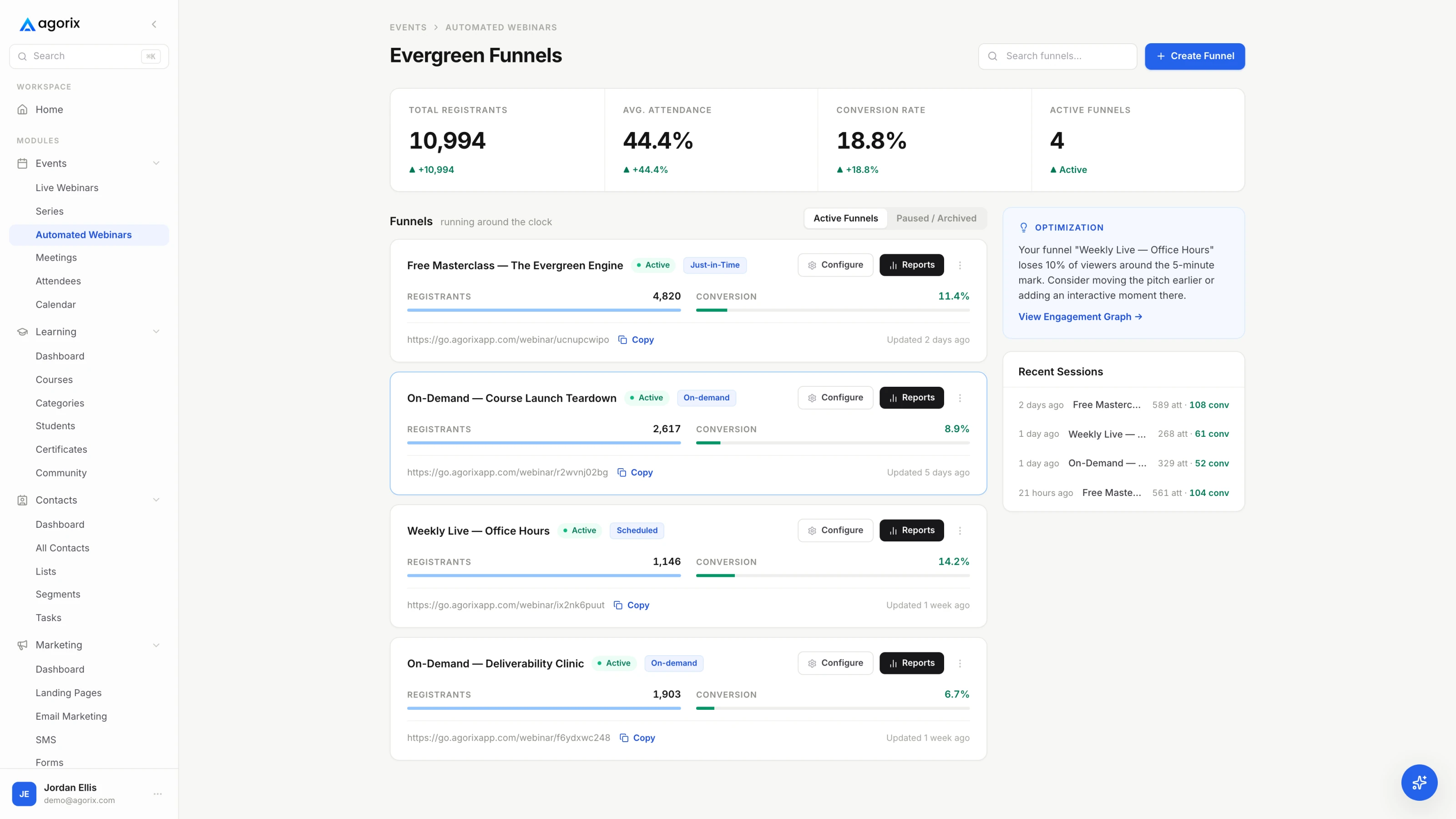
An automated webinar can be assembled from a video host, a scheduler, an email tool and a checkout — and then the branch you actually wanted, the one for people who left at minute nine and never saw the offer, lives in a dashboard nobody can send from. In Agorix the registration, the watch behaviour, the offer and the purchase sit on one customer record — see how evergreen webinars work.
In a live session the deadline is a shared moment: everyone heard it at the same time and it passed for all of them at once. Evergreen has no shared moment, so a fixed date either expires and kills the funnel, or gets quietly extended forever and stops meaning anything.
The answer is a window per registrant. It is a genuine deadline — it starts, it runs, it closes, and it closes differently for each person because each person started at a different time. Four decisions make it real.
Then the offer section itself has to work with nobody reacting to it. Every objection the live room raised out loud still arrives — you simply cannot hear it — so it has to be answered inside the recording, in order. Say the price out loud rather than only putting it on a slide, because some of these viewers are on a phone. And put the offer somewhere persistent beside or beneath the video: in a live room you paste the link into chat while you talk, and evergreen has no chat to paste it into.
The full mechanics — anchor choices, timer behaviour, what to do about people who register twice, and how to keep scarcity claims defensible — are in the evergreen deadlines guide.
Everything before this is inspection. This is the only test that finds the failures that matter, because the failures that matter live in the joins between systems — and no individual system reports them.
Run the funnel three times with three behaviours: register and never start, register and leave a few minutes in, and register and watch through to a completed purchase. Use a fresh email address for each one. Testing on your own record is the classic way to prove that a funnel works for exactly one person who is already tagged as a customer.
Do it in a private window, on a phone at least once, and in a timezone that is not yours if you can borrow a colleague for ten minutes. Timezone handling is the single most common evergreen defect and it is invisible from the seat of the person who built it.
Published webinar benchmarks average across industries, price points and traffic sources that have nothing to do with yours. Definitions travel between businesses. Numbers do not. Define these precisely and compare them only to your own previous month.
| Metric | Definition and what it judges |
|---|---|
| Registration rate | Registrations ÷ registration-page visits. Judges the page and the promise, nothing else. Track it per traffic source, or the average will hide the one channel that is working. |
| Start rate | Viewers who begin the session ÷ registrations. The evergreen equivalent of show-up rate, and the number the schedule model moves most. A just-in-time funnel should beat a scheduled one here and may lose on everything after it. |
| Watch-through to the offer mark | Viewers still watching at the offer timestamp ÷ viewers who started. The most diagnostic number on this list, because it prices the recording rather than the funnel. A live room gets this partly for free from the fact that other people are present; a recording has to earn all of it. |
| Offer click rate | Clicks on the offer ÷ viewers who reached the offer mark. Separates “did not want it” from “never got there” — two problems with completely different fixes, and the pair of numbers that tells you which half of the funnel to work on. |
| Purchase lag | The gap between the viewing and the purchase, read as a spread rather than an average. It is the only honest input to how long the deadline window should be: if most purchases land in the first day, a seven-day window is costing you urgency for nothing. |
| Attributed conversion | Purchases traceable to this funnel ÷ registrations. Requires the registration, the watch behaviour and the purchase to sit on one record. If they do not, this number is an estimate and should be labelled as one wherever it is reported. |
| Revenue per registrant | Attributed revenue ÷ registrations. The number to optimise against, because it is the only one that survives a change in traffic volume — which matters more here than for a live session, since an evergreen funnel usually ends up fed by paid traffic. |
Read them as a sequence rather than a scorecard. Each one hands the problem to the next: registration rate judges the page, start rate judges the schedule model, watch-through judges the recording, click rate judges the offer, and everything after that judges the checkout and the terms.
Evergreen funnels do not announce their failures. A link rots, a price changes, an integration stops passing watch data, a reference ages badly — and the funnel keeps running, producing a slightly worse result every week, which is indistinguishable from a slow month until somebody looks.
A monthly read of these seven numbers and a quarterly pass through the content and the links is a reasonable working cadence. Put both in a calendar rather than in your intentions; the maintenance checklist is the version you can run in half an hour without deciding what to look at first.
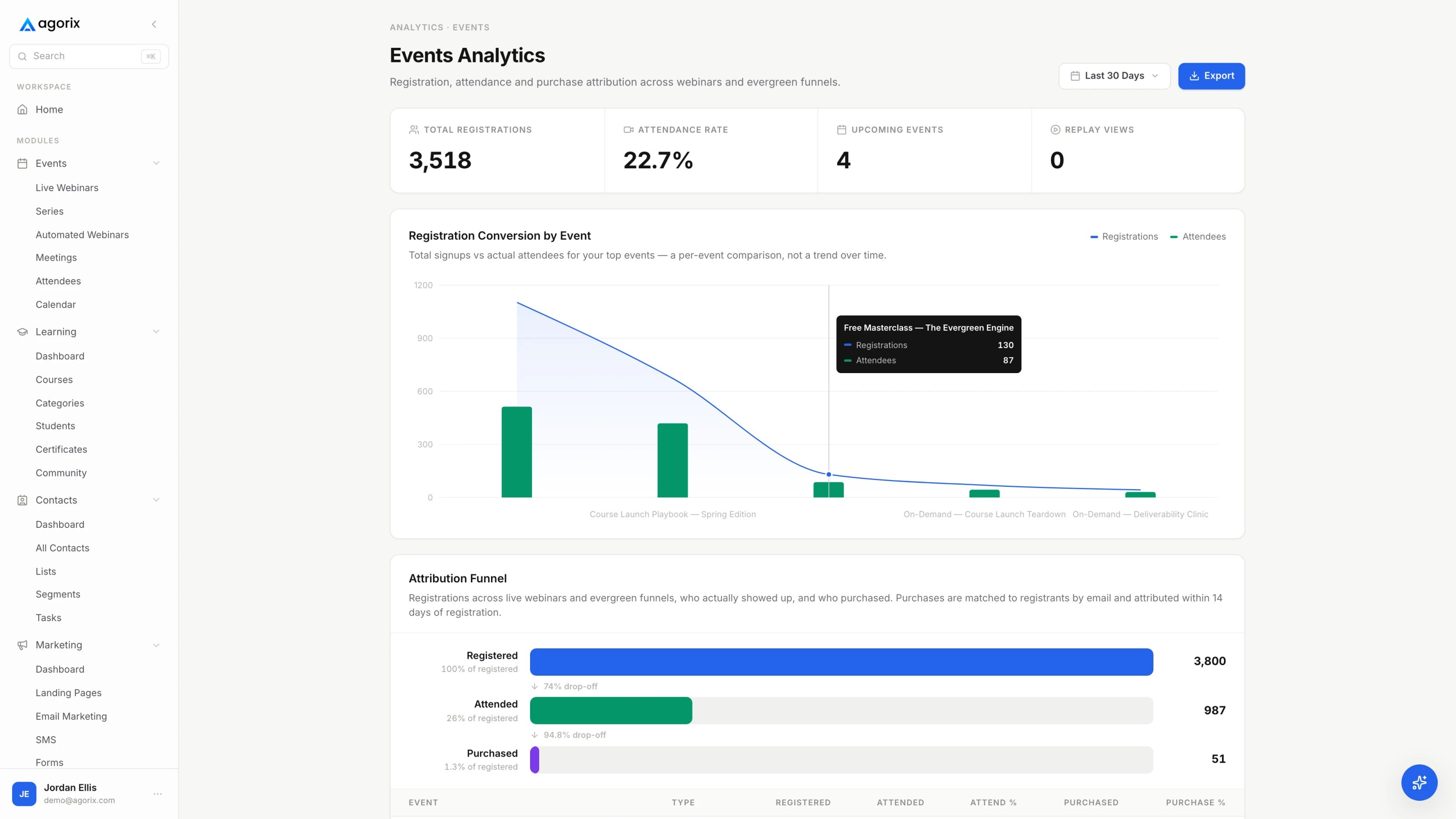
The recording is the smallest part of it. An automated webinar adds a start time or a start rule, a reminder sequence, an offer that appears at a fixed point in the presentation with a deadline attached to the individual viewer, and follow-up that branches on how far each person actually watched. Send a bare video link and you get views — you do not get the start time that creates an appointment, the deadline that creates a decision, or any of the behaviour the follow-up runs on.
It is not a number, it is three tests: people stay through to the offer, some of them buy at the price you intend to charge evergreen, and the questions have stopped surprising you. Most sessions need a few runs to clear all three. Some never do, and automating those repeats the problem at volume rather than fixing it. The live webinar guide covers running the sessions that produce the evidence.
No. Say it is a recording, or say nothing that implies otherwise. Fake live chat, invented viewer counts and we-are-live language on a file that has played four hundred times spend exactly the trust the session was built to earn, and they are discovered by the least forgiving audience you have — the person who watched carefully. A recorded session with a real start time, a real offer and a real deadline needs none of it.
Match it to the traffic. Cold traffic that will not come back tends to suit just-in-time; a warm list that responds to a calendar suits scheduled sessions; existing customers and long-consideration offers suit on-demand. Run one model deliberately rather than all three at once — three models mean you cannot read which one produced the result. The scheduling guide compares them properly, including the hybrid patterns.
The deadline stops being a date and becomes a window per registrant, anchored either to the registration or to the viewing. Pick one anchor, pick a length your purchase-lag data supports, and make expiry real — the checkout has to stop honouring the price, not just the timer. A countdown that restarts on refresh is worse than no deadline at all, because it teaches the one person who noticed that none of your deadlines are real. The deadline mechanics are worth reading before you pick a window.
A monthly read of the numbers and a quarterly pass through the content is a reasonable working cadence. The reason it needs a schedule at all is that nothing tells you when it breaks — a broken link, a stale reference or a dead checkout produces silence, and silence looks exactly like a slow month. The maintenance checklist is the version to run rather than remember.
Registration page, the schedule, the recorded session, viewer-level watch behaviour, branched follow-up, the timed offer and the checkout — on one customer record, so the funnel already knows what each viewer saw before it decides what to send them.
14 days · $0 due today · Payment method required · Cancel before first charge and pay nothing