
How to host a webinar: the complete operating guide.
Six stages on a real clock, from the offer decision three weeks out to the six numbers you judge it by a week after. Written to work with any webinar tool; where a tool decision genuinely changes the plan, it says so.
What you will have at the end
- A registration page and a reminder sequence you can reuse for every session
- A session structure that teaches first and makes the offer without a swerve
- A promotion plan for the two weeks that decide the room size
- A pre-flight checklist you can run in twenty minutes
- Follow-up that branches on what each person actually did
- Six numbers, defined precisely, to judge the whole thing by
Pick the offer first, then the topic.
Most first webinars fail here, quietly, three weeks before anyone notices. The session is built around an interesting subject and the offer is attached at the end, so the transition feels like a swerve — because it is one.
Work backwards. Name the thing you are selling, then ask what someone would need to believe to buy it. That belief is your topic. If the offer is a done-with-you implementation program, the session teaches the method well enough that a reasonable person concludes they want help executing it. The teaching is real and the conclusion is honest — that is the whole mechanism.
Three decisions, in order
- The offer. Price, what is included, what happens immediately after purchase, and the deadline. Write it as a sentence you can say out loud without hedging.
- The belief. The one idea that moves someone from “interesting” to “I need to do this and I would rather not do it alone.” This is your title.
- The audience. Who already has the problem badly enough to give you an hour. Be narrower than feels comfortable; a room of forty right people outperforms four hundred wrong ones.
Set the date and the room size honestly
Pick a time that suits the audience rather than you, and check the attendee ceiling on whatever platform you are using before you promote. Running out of room mid-session is a failure mode that no follow-up recovers.
Build the page, the sequence and the room in that order.
Three assets carry the entire campaign. Build them once properly and you will reuse them for every session you run afterward.
The registration page
One job: make the trade obvious. A specific title, the date and time in the visitor’s timezone, three to five bullets describing what they will be able to do afterward, who is teaching and why that is credible, and a form asking for as little as you can defend. Name and email is usually enough. Every extra field is a tax you pay in registrations for data you might not use.
Do not bury the date. Do not use a countdown that resets. Do say whether there will be a replay — being coy about it costs more registrations than it saves attendance.
The email sequence
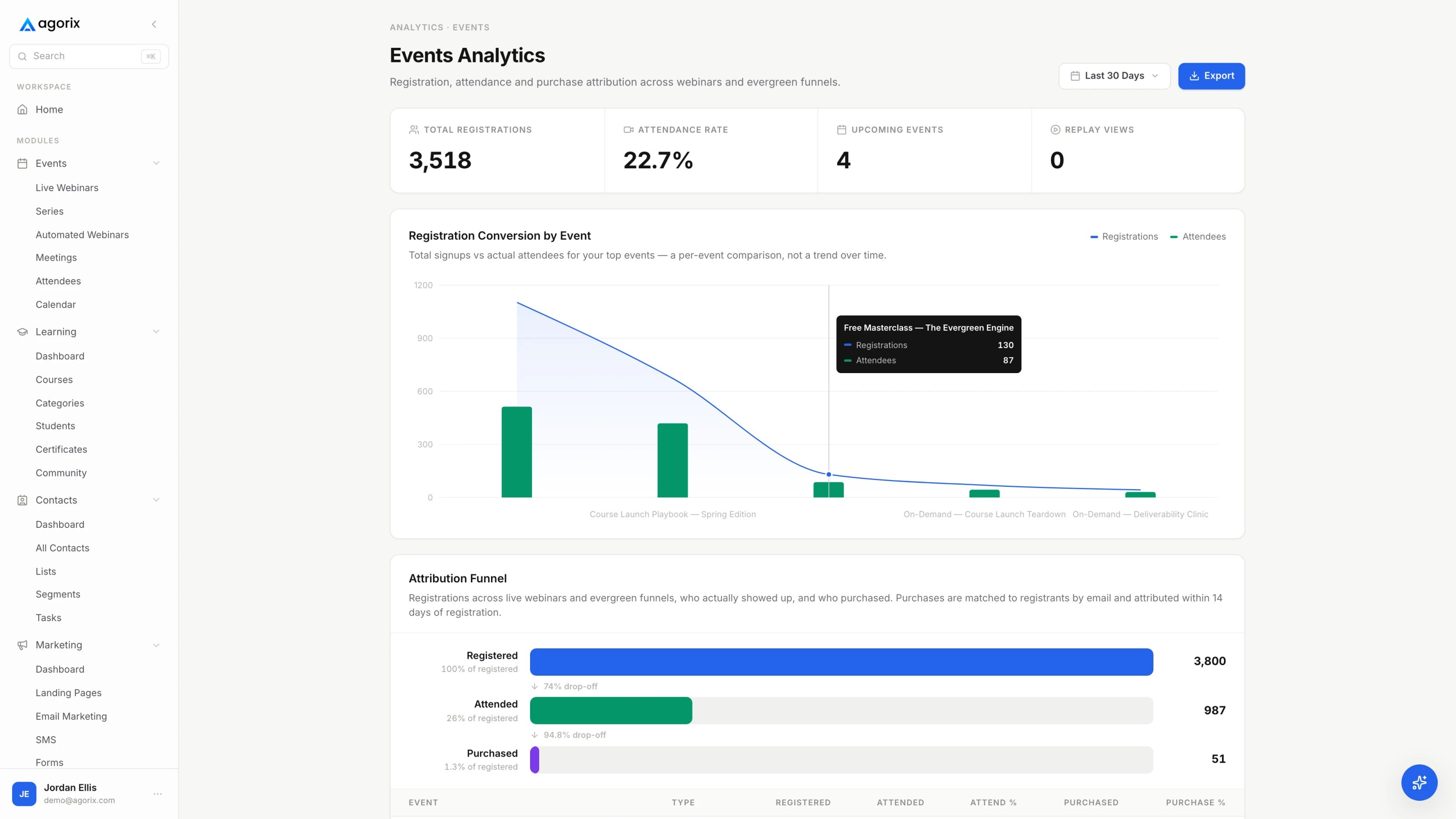
Six emails do the work. The cadence below is a starting point to adjust against your own show-up rate, not a benchmark to hit.
| When | |
|---|---|
| On signup | ConfirmationThe join link, the calendar file, and one sentence restating what they will be able to do afterward. This gets opened more than anything else you send — do not waste it on logistics alone. |
| T−3 days | One useful thingTeach something small and complete. You are proving the session is worth an hour before you ask for the hour. |
| T−1 day | Reminder + friction removalTime in their timezone, the link again, and what to have open. Answer the two questions that cause no-shows: when exactly, and will there be a replay. |
| T−1 hour | Short reminderTwo lines and the link. No new information. |
| T−10 minutes | We are live shortlyThe highest-yield email in the sequence. Send it every time. |
| T+2 hours | Replay or recapDifferent message for attendees and no-shows. This is where the follow-up stage starts, so make the split now rather than later. |
The room
Set it up now, not on the day. Confirm how attendees join — every install step between the reminder and the room costs you attendance — and decide in advance where chat, questions and polls appear and who is watching them. If you are presenting alone, plan for chat to go unread for stretches and tell people that honestly.
Decide how the offer will appear: a link in chat, a button on screen, or both. Test the path from that link to a completed purchase before anyone else sees it.
Three assets, or one system that already has them.
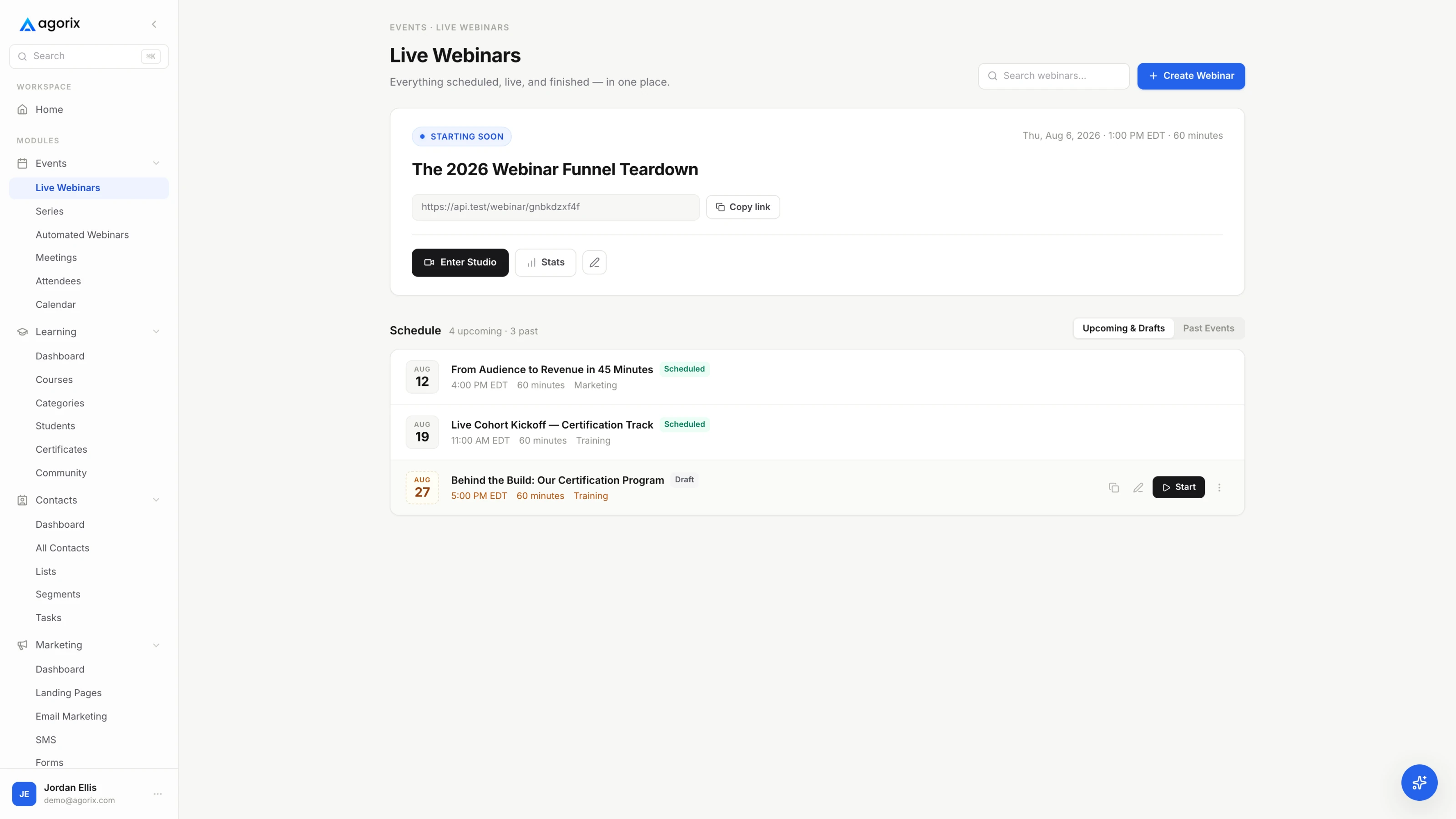
The page, the sequence and the room are separate products in most stacks, and reconciling them afterward is the work. In Agorix they are one object on one customer record — see how live webinars work.
Fill the room from the sources you already own.
Promotion for a first webinar is not a media buy. It is asking, specifically, in the places where people already know who you are.
- Your list. Three sends: the announcement, one mid-window reminder with a different angle, and a last-call the day before. Segment out anyone who already registered — nothing reads as careless faster than inviting someone twice.
- Your own audience surfaces. Pinned posts, email signature, the top of any active community you run, and anywhere a live link already gets clicked.
- Partners and affiliates. The highest-yield channel for a first session, because you borrow trust rather than buy attention. Give partners the copy, the image and the link — the easier you make it, the more of them do it.
- Paid, only if you have a converting session. Buying registrations for a session that has never sold anything buys you a more expensive way to find out. Prove it once organically first.
- Direct invitations. Twenty personal messages to people who genuinely have the problem will out-attend a broad blast, and they are the ones who ask the questions worth answering live.
Track registrations by source from the first day. Not because the first session will be statistically meaningful, but because by the third you will know which channel to stop working.
Twenty minutes the day before.
Everything on this list has gone wrong for someone the moment they stopped checking it. Run it the day before, not an hour before.
Room and hardware
Registration and reminders
Content and offer
The half hour before
Teach for forty minutes, then make the offer plainly.
The session has an arc, and the transition into the offer is the part everyone gets wrong. Signalled honestly it costs you nothing; disguised it costs you the room.
The arc
- Open (5 min). Restate the promise, say how long this will take, and tell them the offer is coming at the end. Saying so up front removes the suspicion that shapes everything after it.
- Teach (35–40 min). Three ideas, maximum. Each one complete enough to be used tonight. Take a question after each rather than saving them all.
- Transition (2 min). One honest sentence: here is what doing this alone looks like, and here is the version where we do it with you.
- Offer (8–10 min). What it is, what happens after purchase, price, deadline, link. Put the link in chat and say it out loud.
- Questions (10 min). Stay until the questions genuinely stop. The last ten minutes hold the people closest to buying.
Engagement is data, not decoration
Ask a poll question in the first five minutes to establish that participating is normal. Ask people to type their biggest obstacle in chat before you start teaching — it warms the room and hands you the exact language to use in the follow-up. Capture questions in a queue rather than letting them scroll away.
Every one of those interactions is a signal about who is close. Whether you can use it on Tuesday depends entirely on whether it lands somewhere your email system can read.
The forty-eight hours that decide what the session was worth.
The session created the intent. The follow-up window converts it or wastes it, and the difference is whether every person gets the same email.
Send within two hours while the session is still the most interesting thing that happened to them today, and split the audience by what they actually did. Five segments cover almost every session:
- Bought. Out of the sales sequence immediately, into onboarding. Nothing reads worse than a discount email arriving after someone paid.
- Stayed through the offer, did not buy. Your warmest segment. Address the specific objection the questions surfaced, restate the deadline, make it easy to reply to a human.
- Left before the offer. They liked the teaching and never saw the thing. Send the offer section, not the whole replay.
- Left early. Something was wrong — the fit, the timing, the first ten minutes. Short replay, low pressure, back to the general list.
- No-show. Replay with a genuine deadline, then a separate nurture path. Do not mix them into the attendee sequence; they have not seen what the attendees saw.
Then hold the deadline you announced. Extending it teaches the list that your deadlines are decorative, and you only get to teach that once.
Six numbers, defined precisely, compared only to yourself.
Published webinar benchmarks are close to useless — they average across industries, price points and traffic sources that have nothing to do with yours. Definitions travel. Numbers do not.
| Metric | Definition and what it judges |
|---|---|
| Registration rate | Registrations ÷ registration-page visits. Judges the page and the promise, nothing else. Track it per traffic source or it will average away the thing you needed to see. |
| Show-up rate | Live attendees ÷ registrations. Judges the reminder sequence and the gap between signup and session. Long gaps lower it; more reminders raise it. |
| Stay rate at the offer | Attendees still present when the offer starts ÷ attendees who joined. The single most diagnostic number on this list, because it prices your content, not your funnel. |
| Offer click rate | Clicks on the offer ÷ attendees who saw the offer. Separates “did not want it” from “never got there” — two problems with completely different fixes. |
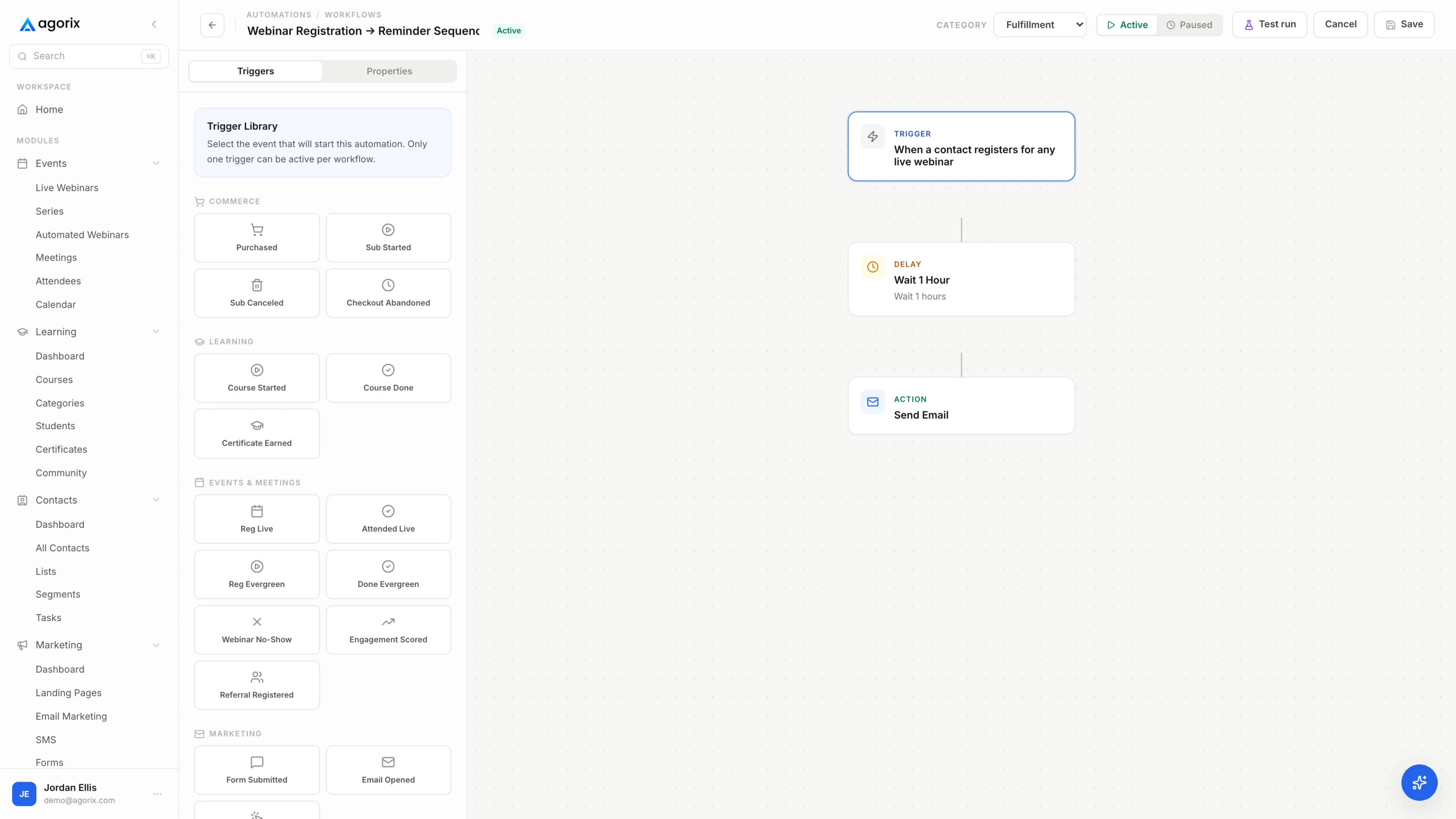
| Attributed conversion | Purchases traceable to this session ÷ registrations. Requires the registration, the attendance and the purchase to sit on one record; if they do not, this number is an estimate and should be labelled as one. |
| Revenue per registrant | Attributed revenue ÷ registrations. The number to optimise against, because it is the only one that survives a change in traffic volume. |
Record all six after the first session and change one thing before the second. If stay-rate at the offer is low, the content is the problem. If stay rate is high and click rate is low, the offer or the price is the problem. If clicks are high and purchases are not, the checkout or the terms are the problem. The numbers tell you which room to go and fix.
Once a session holds up across a few live runs, it is a candidate for automation. Do not automate before then: an evergreen funnel repeats whatever you built, including the parts that were not working. The evergreen playbook covers what changes when nobody is in the room.
Six questions before your first one.
How long should a webinar be?
Sixty minutes is the working default: forty of teaching, ten of offer, ten of questions. The constraint that matters is not length but density — an hour that earns its hour beats a well-paced ninety minutes. If you cannot fill forty minutes with material you would charge for, the problem is the topic, not the run time.
How far ahead should I open registration?
Ten to fourteen days is a reasonable starting point. Shorter gaps tend to produce higher show-up rates and smaller rooms; longer gaps produce the reverse. Run it both ways and compare attendees, not registrations — registrations are the number that flatters you.
Should I run it live or evergreen first?
Live first, every time. You need to hear the questions people ask, see where they leave, and find out which slide loses the room before you automate any of it. Once a session converts live across a few runs, turn it into an evergreen funnel and keep maintaining it on a schedule.
What do I do about no-shows?
Treat them as a separate audience with a separate sequence, not as failed attendees. Send the replay with a deadline, then move them into a longer nurture path rather than the buyer follow-up. A no-show who watches the replay in full is a warmer lead than an attendee who left at minute six, and only behavioral data tells you which is which.
Do I need a dedicated webinar platform, or is a meeting tool enough?
A meeting tool runs the session. What it does not do is registration pages, reminder sequences, offer timing, replay delivery and behavioral follow-up — you assemble those from other products and reconcile them by hand afterward. That is a workable first webinar and a poor tenth one. The threshold is roughly when you start running the same session monthly.
What should I measure after the first one?
Registration rate, show-up rate, stay rate at the offer, offer click rate, attributed conversion and revenue per registrant — defined in the Measure stage above. Record all six for the first session and do not compare them to anyone else’s numbers. Your second session compares to your first.
The next four things to read.
You now have the plan. Agorix is the system that runs it.
Registration page, reminder sequence, the live room, behavioral follow-up, checkout and the course — on one customer record, so the follow-up already knows what happened in the room.
14 days · $0 due today · Payment method required · Cancel before first charge and pay nothing