Counting down to the session
The three invitations go to people who have not registered, timed against the session date. Everyone who registers drops off this clock immediately — that is the segment that has to be automatic.

Three invitations, the confirmation, four reminders and the post-session split — complete emails with subject lines, ready to copy. Each one says why it is sent when it is sent, and what to change for a coaching, course or SaaS audience. Works in any email tool.
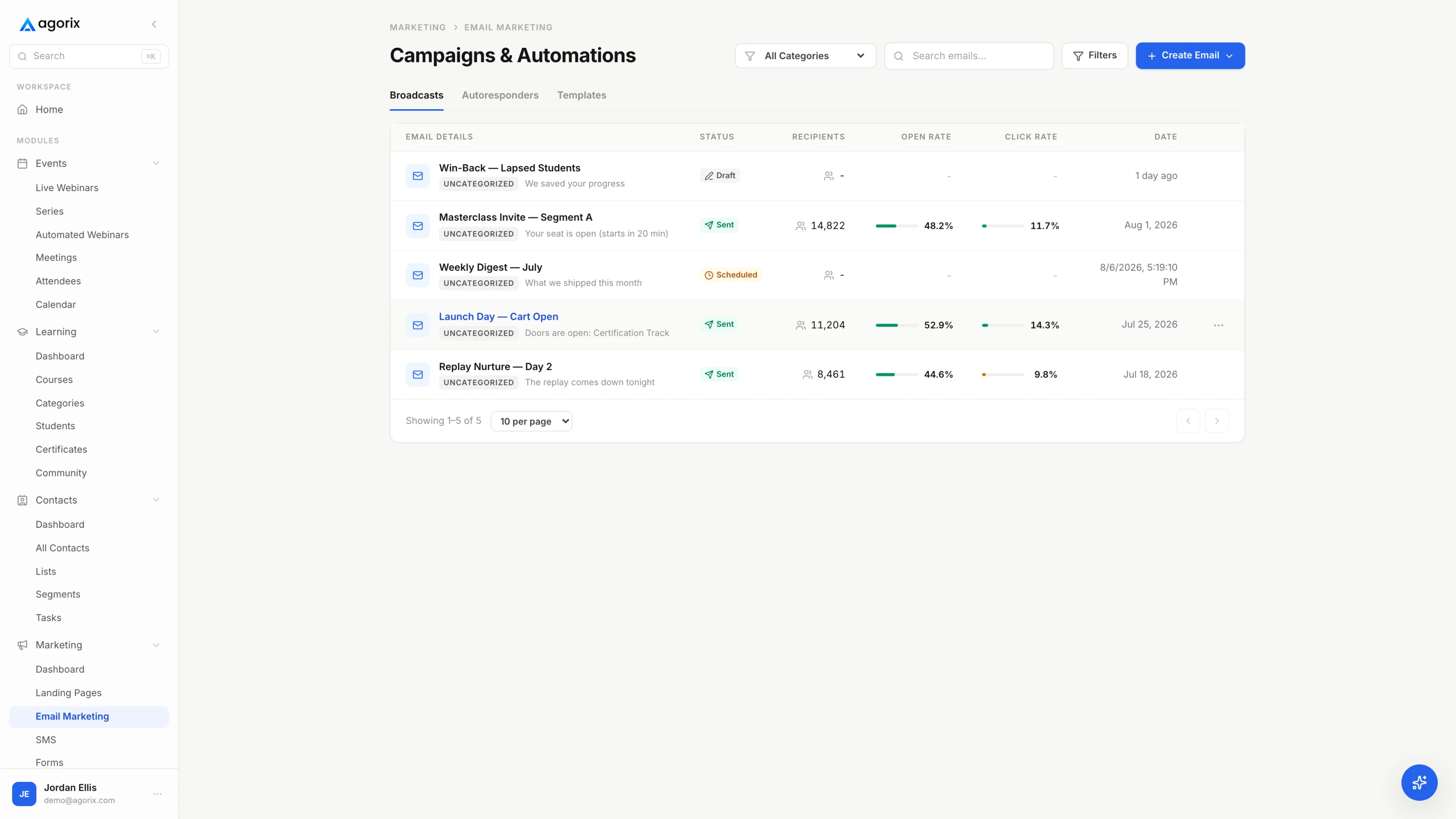
The single most common way a webinar sequence goes wrong is treating it as one list of sends. It is two, and they run on different clocks.
The three invitations go to people who have not registered, timed against the session date. Everyone who registers drops off this clock immediately — that is the segment that has to be automatic.
The confirmation fires on signup; the four reminders are timed against the session. Someone who registers two hours before the start should get the confirmation and the T−10 minute email, and none of the rest.
Everything in [brackets] is yours to replace — including the parts that look like instructions, which are there because a template that writes your teaching for you is a template that produces eleven emails saying nothing. Swap them for your tool’s merge fields where a merge field exists; the field names differ by platform, so these are written in plain brackets rather than any one product’s syntax.
The copy button gives you the subject, the alternate subject and the body as plain text. Paste it into whatever you send with, then read it out loud once. If a line would be strange to say to one person, it is strange to send to four hundred.
This expands the six-email sequence in the pillar guide’s Build stage into every email including the invitations, which the pillar treats as promotion rather than sequence. Timings are a starting cadence to adjust against your own show-up rate, not a benchmark to hit.
| When | |
|---|---|
| T−14d | The announcementOpens the window. The only invite allowed to be about the event. |
| T−7d | Mid-window, different angleLeads with the problem. Registrants segmented out. |
| T−1d | Last callThe deadline is the new information. |
| On signup | ConfirmationLink, calendar, outcome, replay policy, reply channel. |
| T−3d | One useful thingBuys the hour back by proving it is worth one. |
| T−1d | Reminder and friction removalAnswers the two questions that cause no-shows. |
| T−1h | Short reminderTwo lines and the link. Nothing new. |
| T−10m | We are live shortlyHighest yield. Scheduled, not drafted. |
| T+2h | Attendee replay and recapReplay, recap, the offer argument restated. |
| T+2h | No-show replayDifferent email. Different audience. |
| T+24h | Engaged non-buyerNames the objection you actually heard. |
These go to people who have not registered. The reason there are three rather than one is that they are not the same email sent again — the announcement is about the event, the second is about the problem, and the third is about the deadline.
Segment registrants out before each send. It is the smallest piece of hygiene in the whole campaign and the most visible when it is missing.
[First name] —

On [Day, Date] at [Time] [Timezone] I am running a live session called
“[Session title].”

It is [length] minutes on [the specific problem, named the way your
audience would name it]. By the end you will be able to:

— [Outcome one]
— [Outcome two]
— [Outcome three]

It is live, so you can ask questions and get them answered in the room.
[Replay policy — state it plainly here: “Everyone who registers gets the
replay,” or “No replay on this one, it is live only.”]

Register here: [Registration link]

[Your name]

P.S. This is for [the specific person it is for]. If you are already
[the thing that makes it unnecessary], you can skip it.
First contact, and the only email in the invite block that is allowed to be about the event itself. Send it as soon as the registration page is live and the date is fixed — a page that goes up without an announcement behind it just collects the traffic that would have arrived anyway.
[First name] —

Most [audience] handle [the task] by [the common approach]. It works
until [the point at which it stops working], and then it stops working
quietly — which is the part that costs money.

[Two to four sentences that actually teach the shape of the problem.
This email has to be worth reading by someone who never registers. If
you cannot make it worth reading on its own, you are not sending a
second invitation, you are sending the first one again.]

I am going through the whole thing on [Day, Date] at [Time] [Timezone],
including [the part people ask about most]. Live, [length] minutes,
free.

[Registration link]

[Your name]
The send people cut, and the one that adds the most registrations from a list that has already seen the announcement. It works because it does not repeat the announcement — it leads with the problem and mentions the session second. Segment out everyone who has already registered before this goes out.
[First name] —

[Session title] is tomorrow at [Time] [Timezone].
Registration closes [when it closes — cut this line if it never does].

The short version of what we will cover:

— [Outcome one]
— [Outcome two]
— [Outcome three]

[Replay policy, stated the same way you stated it in the announcement.]

[Registration link]

If the time does not work, [what to do instead — register anyway for the
replay, or reply and I will tell you when the next one runs].

[Your name]
Do not cut this one because the window feels short. A deadline that is genuinely about to happen is the only new information you have left, and this is the send that reaches everyone who meant to register and did not get to it.
Registration is a decision people make once and then quietly reconsider every day until the session. This block exists to make the second decision easy: prove the hour is worth it, remove the reasons to skip, and put the link in front of them at the moment it matters.
They are ordered by the gap they close. The T−3 day email answers “is this worth my time,” the day-before answers “what exactly do I need to do,” and the last two answer “is it now.”
[First name] —

You are in. The details:

What:   [Session title]
When:   [Day, Date] at [Time] [Timezone]
Where:  [Join link]
Add it: [Calendar link]

By the end you will be able to [the one-sentence outcome, in the same
words the registration page used].

[Replay policy. Say it here even if you said it on the page — this is
the question you will otherwise answer twenty times by reply.]

Bring [the one thing to have open or ready].

If there is something specific you want covered, reply to this email and
I will put it in the queue. I read these.

[Your name]
The most-opened email in the sequence, because it is the one people go looking for. Spending it entirely on logistics is a waste — restate the outcome, set the replay expectation, and open a reply channel that gives you the questions to answer live.
[First name] —

[Session title] is on [Day] at [Time] [Timezone]. Before then, here is
something small you can use today.

[The teaching. Three to six sentences, or a short numbered list. It has
to be complete — something the reader can finish this afternoon without
attending anything. If you cannot give away one complete idea, the
session probably does not have enough of them.]

That is one piece of what we are covering on [Day]. The session takes it
through [the larger thing this is a piece of].

Your link: [Join link]

[Your name]
This is the email that buys the hour. Between registering and attending, people quietly re-decide whether the session is worth the time — one complete, usable idea is the argument that it is. Skipping it is the most common reason a room is smaller than the registration list suggested.
[First name] —

[Session title] is tomorrow.

When:  [Day, Date] at [Time] [Timezone]
       [Also list two or three other timezones if your audience spans
       them, or use your tool’s local-time field.]
Join:  [Join link]
Bring: [what to have open]

The two questions I always get:

Will there be a replay?     [Yes or no. Plainly.]
Do I need to install
anything?                   [Yes and what, or no.]

We start on time. Join five minutes early if you can — [what happens in
those five minutes: the agenda in chat, the opening question].

[Your name]The day-before email is not a nudge, it is friction removal. Every unanswered logistical question is a reason to skip, and the two above cause more no-shows than the date does. Answer them in the email rather than making people find the page again.
[First name] —

[Session title] starts in one hour, at [Time] [Timezone].

Join here: [Join link]

See you there.

[Your name]
Two lines and the link. No new information, no bullets, no restated agenda — anything else in this email is a reason to put it aside and come back to it, which is the exact behaviour you are trying to prevent.
[First name] —

We are going live in about ten minutes.

[Join link]

If the link gives you any trouble, reply to this and someone will
answer.

[Your name]
The single highest-yield email in the sequence and the one most often left out, because it has to be scheduled relative to the session rather than to the send date. Check that it exists in the queue the day before — a drafted T−10 is the same as no T−10.
The T−10 minute send has to fire relative to the session, and the post-session split has to branch on who actually attended. On a stitched stack both are manual work at the worst possible moment. In Agorix the registration, the room and the email system are one object on one customer record — see how live webinars work.
The session created the intent. What you send in the next two hours decides whether it converts, and the difference between a sequence that works and one that does not is almost entirely whether everybody got the same email.
Three splits cover most sessions: people who attended, people who registered and did not, and people who stayed through the offer without acting. The third is the warmest audience you will have all quarter and the one most often left in the general list.
[First name] —

Thanks for being there today. Everything in one place:

Replay:     [Replay link] — up to [replay deadline, if you set one]
[Resource]: [Link to the worksheet, slides or template you promised]
[Offer]:    [Offer link] — [what it is, in one clause]
            Closes [date, time, timezone].

The three things we covered:

1. [Idea one, in one line]
2. [Idea two, in one line]
3. [Idea three, in one line]

[One honest paragraph on the offer: what doing this alone looks like,
and what changes if you do it with help. Two to four sentences. You made
this argument in the room — make the same one here, in the same words.]

If you are deciding, reply with the thing you are stuck on. A reply gets
an answer from me, not a sequence.

[Your name]Send inside two hours, while the session is still the most interesting thing that happened to them today. Attendees have seen the teaching, so this email is allowed to be about the offer — the recap exists to reactivate the argument, not to re-teach it.
[First name] —

You registered for [Session title] and did not make it. That happens —
[Day] afternoons are what they are.

Here is the replay: [Replay link]

It is up until [date, time, timezone]. [Keep that sentence only if it
is true and you will enforce it.]

It runs [length] minutes. If you only have ten, start at [timestamp] —
that is [the part that matters most].

[If there is an offer: one sentence naming it, its deadline, and the
link. Do not run the full attendee argument here. They have not seen the
teaching yet, so the offer has nothing to stand on.]

[Your name]
No-shows are a separate audience, not failed attendees, and the fastest way to waste them is to send them the attendee email. The timestamp is the working part: it turns a sixty-minute obligation into a ten-minute one, which is the difference between watched and archived.
[First name] —

You stayed to the end yesterday and have not [taken the next step],
which usually means one specific thing is in the way rather than the
whole idea.

The one that comes up most: [the objection you actually heard in the
room, named plainly].

[Two to five sentences answering it honestly. If the honest answer is
that it is not the right move for people in a particular situation, say
so and name the situation. The people that disqualifies were never
going to buy, and the people it does not will trust everything else in
the email more.]

[Offer link] — [deadline, stated exactly, if there is one].

If it is a different question, reply and ask it.

[Your name]
Your warmest segment: they gave you the whole hour and did not act, so something specific stopped them. The email only works if it names a real objection you heard — a generic “any questions?” send to this segment is the most valuable email on the list, wasted.
The copy is the visible part. These are the settings around it, and a sequence with good copy and wrong mechanics performs worse than the reverse.
Eleven is the full campaign, not the minimum. Four emails cover the moments that matter most, and running four properly beats running eleven badly.
Eleven covers a full campaign: three invitations, a confirmation, four reminders and a three-way post-session split. That is a maximum, not a target. If you can only send four, send the confirmation, the day-before reminder, the T−10 minute email and one post-session email that splits attendees from no-shows — those four do most of the work.
Not with the invitations. Segment registrants out of the announcement, mid-window and last-call sends — they have already done the thing you are asking them to do. They should be receiving the confirmation and reminder sequence instead. The promotion guide covers how the two lists diverge once the window opens.
Then send it manually. The T−10 minute email is scheduled relative to the session rather than to a calendar date, which is exactly why it is the one that goes missing, and it is the highest-yield send in the sequence. If it has to be a manual broadcast at the top of the hour, it is still worth doing.
Plain or close to it, especially the reminders. These emails work because they read like a person confirming a meeting rather than a newsletter — one link, minimal images, left-aligned text, a real from-name, and a reply-to that a human reads. The confirmation can carry a little more structure because people return to it to find the link.
Yes, and it is the split most sequences skip. Attendees have seen the teaching, so their email can be about the offer. No-shows have not, so an offer-led email has nothing to stand on — they need the replay, a genuine deadline, and a timestamp that turns watching it into a ten-minute decision. The follow-up window playbook works through the full segmentation.
Long enough to be watched, short enough to be watched now. Whatever window you choose, announce it exactly and then hold it. Extending a replay deadline teaches your list that your deadlines are decorative, and you only get to teach that once.
Registration page, the reminder sequence timed against the session, the live room, and a post-session split that already knows who attended — on one customer record, so the follow-up does not need an export first.
14 days · $0 due today · Payment method required · Cancel before first charge and pay nothing